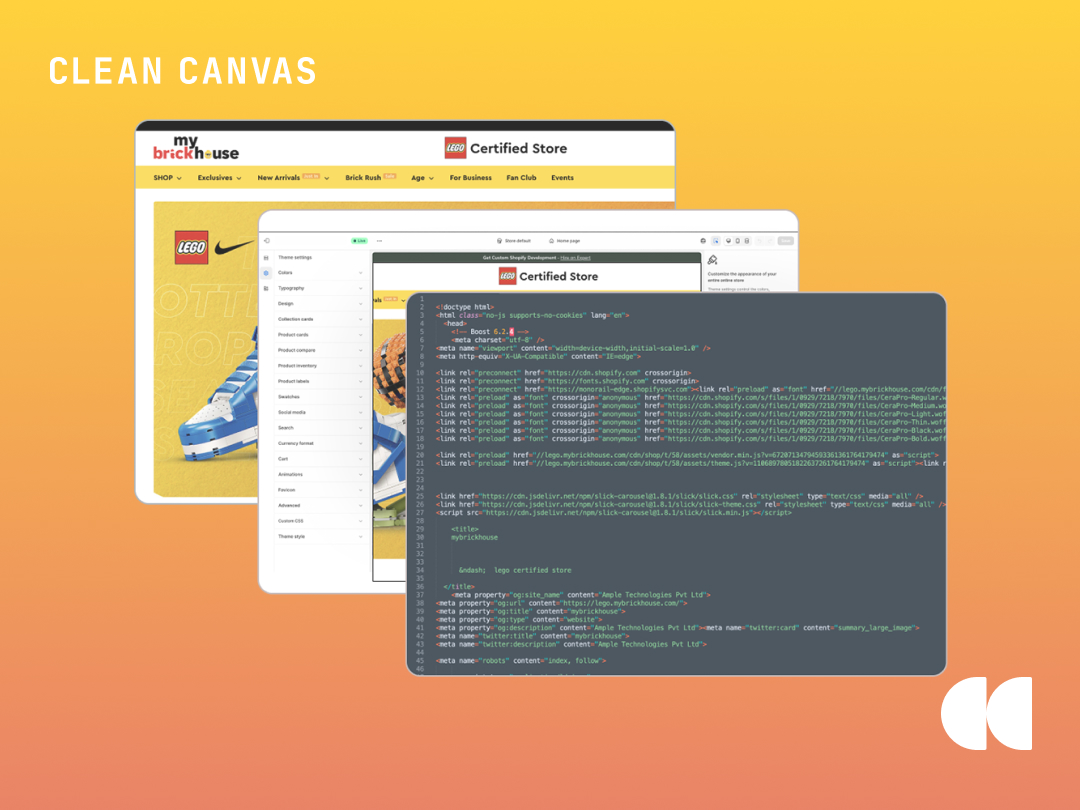
Optimize Your Shopify Performance to Reduce Bounce Rates and Drive Sales
Performance maintenance is essential for any growing brand. If your Shopify store has been live for over six months, your theme is likely harboring "digital clutter", hidden code that drags down your load speeds and actively erodes your conversion rate.
Over time, most stores accumulate invisible technical debt: orphaned tracking scripts, redundant JavaScript libraries, leftover app snippets, and "quick-fix" patches from previous developers. While these issues may seem minor individually, their cumulative effect creates site lag and increases the risk of critical features breaking during updates.
Unused code doesn’t just sit there harmlessly; it compounds. In the Shopify ecosystem, we often call this app residue or ghost code. When you uninstall an app, it frequently leaves behind snippets in your theme.liquid or product templates.
As your store evolves, this legacy code creates a "Technical Debt" that leads to:
| The Risk of Inaction |
Impact on Your Bottom Line |
| Slower Page Load Times |
Browsers must still download and process dead scripts, directly increasing bounce rates. |
| Script Conflicts |
Old JavaScript can interfere with new features or critical checkout optimizations, causing lost sales. |
| Fragile Customizations |
Simple CSS changes become a headache when you are fighting layers of old, conflicting styles. |
| Update Friction |
Messy code makes it harder (and significantly more expensive) to upgrade to future theme versions. |
A high-performing store isn't just about a pretty UI; it’s about a strong foundation. Many merchants install and uninstall dozens of apps over the lifetime of a store, assuming that clicking "Delete App" removes all its weight. It rarely does.
A professional theme audit focuses on four key areas:
| Optimization Task |
The Performance Benefit |
| Liquid File Audit |
Identifying and removing orphaned snippets and unused templates to clean up your backend. |
| Script Management |
Pruning the <head> of your theme to ensure only essential tracking pixels are firing. |
| CSS/JS Streamlining |
Consolidating stylesheets to reduce "render-blocking" resources and improve time-to-interact. |
| Native Feature Migration |
Switching to native theme features (like mega-menus or swatches) to delete paid external apps. |
5 Signs Your Shopify Store Needs a Cleanup
If any of these scenarios sound familiar, your theme is likely overdue for a maintenance session:
| The Symptom |
The Reality Check |
| The App Carousel |
Installed and removed 5+ apps this year? You likely have "ghost code" slowing down your site. |
| Developer "Hands" |
Multiple agencies touching code without a unified standard leads to conflicting scripts and bugs. |
| The "Fear Factor" |
If your team is afraid to update settings for fear of breaking the site, your infrastructure is unstable. |
| Lagging Core Web Vitals |
LCP or CLS scores in the "red" zone are direct indicators of technical debt affecting your SEO ranking. |
| Age |
Running the same version for 2+ years? You are missing out on critical Online Store 2.0 features. |
Scalability: Built for Growth, Not Just Launch
At Clean Canvas, we engineer our themes to stay lean. We prioritize modular Liquid structures that minimize the need for heavy third-party apps, keeping your site fast and update-friendly.
However, even the most well-built theme needs an occasional "oil change." Think of theme maintenance as preventative care: a small investment in cleanup today prevents a total site rebuild tomorrow.
Is your theme working as hard as you are?
If you suspect your store is carrying unnecessary weight, it’s time to look under the hood. A cleaner theme doesn't just run better, it converts better.
Frequently Asked Questions
Does uninstalling a Shopify app remove all its code?
No. Many Shopify apps leave behind "ghost code" or "app residue" in your theme files (specifically in theme.liquid and product templates). This leftover code can continue to load in the background, slowing down your store even if you are no longer paying for the app.
How does "ghost code" affect my Shopify store speed?
Ghost code creates unnecessary "requests" to external servers. Even if the app is gone, the browser still tries to find and download those missing scripts. This increases your Largest Contentful Paint (LCP) and can cause "render-blocking" issues that frustrate customers and hurt your SEO rankings.
What is the most common cause of a slow Shopify theme?
While large images are often blamed, the most common cause of long-term slowdown is technical debt. This includes redundant JavaScript libraries, outdated tracking pixels, and CSS files that have become bloated from multiple developers making "quick fixes" over several years.
How often should I perform a Shopify theme audit?
We recommend a professional theme audit every 6 to 12 months, or immediately after a major promotional period (like Black Friday) where you may have installed several temporary apps for marketing or discounts.
Can I fix Shopify speed issues without a developer?
You can handle basic optimizations like compressing images and reducing the number of active apps yourself. However, removing "ghost code" and streamlining Liquid files usually requires a developer to ensure you don't accidentally break critical site functionality or your checkout flow.
→ Browse our SEO-Ready Shopify Themes
→ Read: How to Fix 7 Common Shopify SEO Mistakes
→ SEO: What Is This?